test HRMS Page | E Stream MSC
Simplify Attendance, Leave, Claims in One HR Platform

SQL HRMS simplifies payroll and HR management with 90% automation

Effortlessly manage attendance, leaves, claims, payroll, and payslips in one platform with real time activity tracking, optimized workflows, and built in statutory compliance
header-graphic

What is SQL HRMS App?

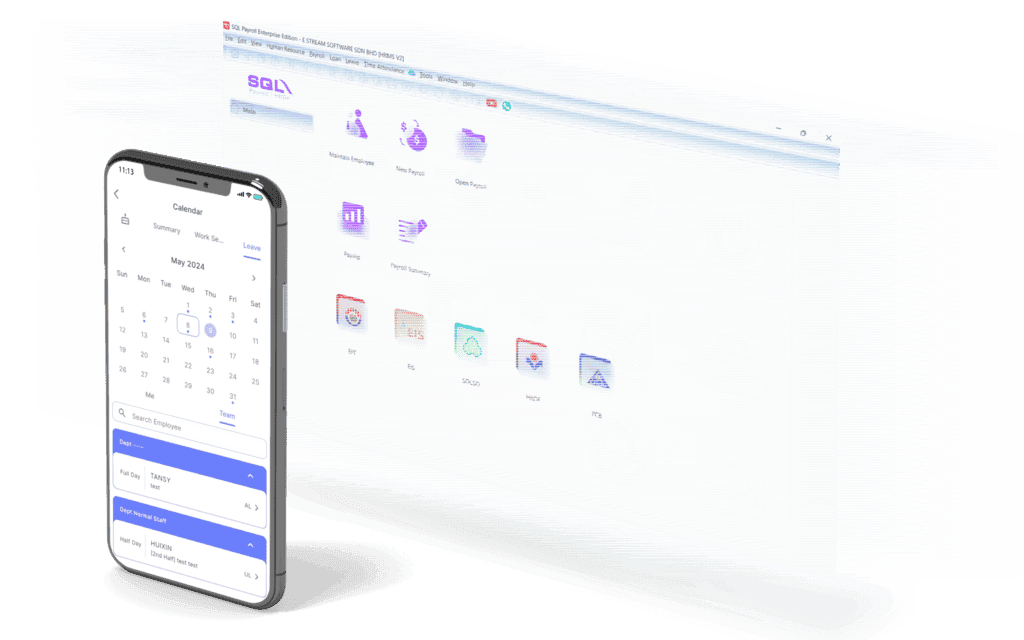
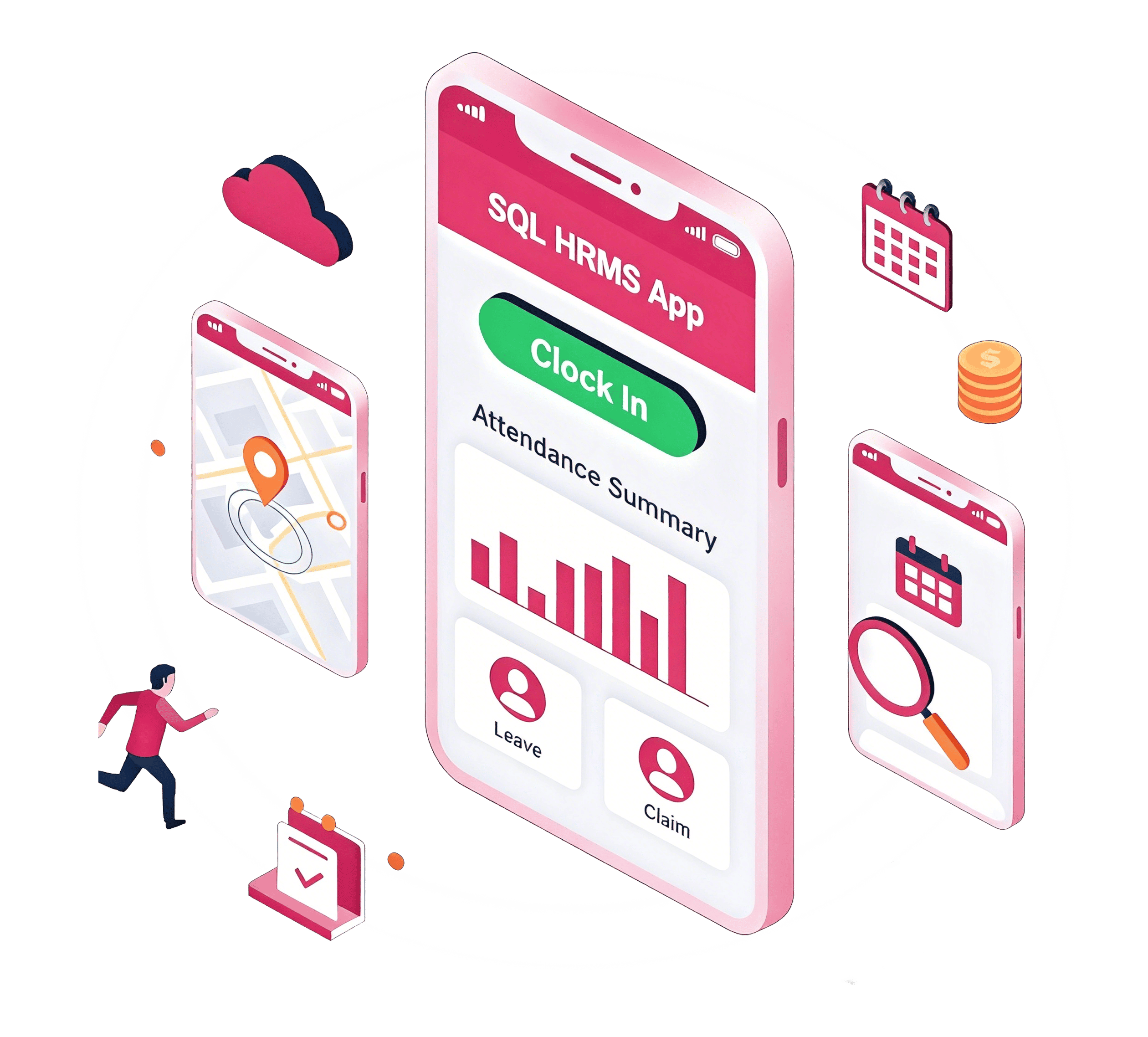
SQL HRMS App is a comprehensive mobile extension of the SQL Payroll software, built to digitize and automate your human resource management. It serves as a centralized hub for:

target

Smart Attendance

Real-time tracking with Geofence and site-photo verification

No-Real-Time

Self-Service HR

Employees can apply for leaves, submit claims, and download EA forms anytime, anywhere

Difficulty-Tracking

Managerial Control

A bird's-eye view of team activities with instant push notifications for approvals

Disconnected

Seamless Integration

One-click "Sync Cloud" technology to eliminate manual date entry

E Time Attendance

Employee
Manager

Employee

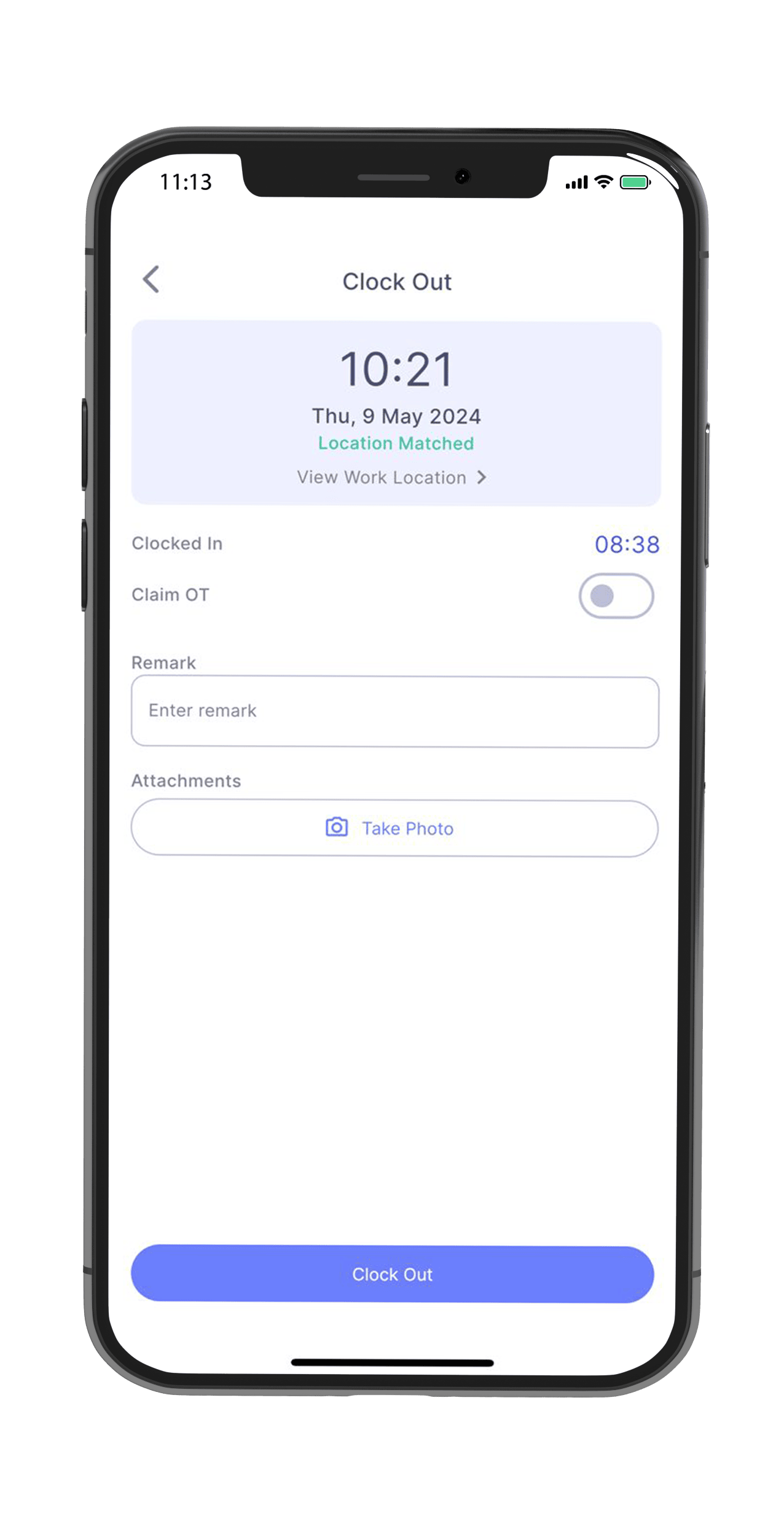
  • Clock in/out with geofence technology
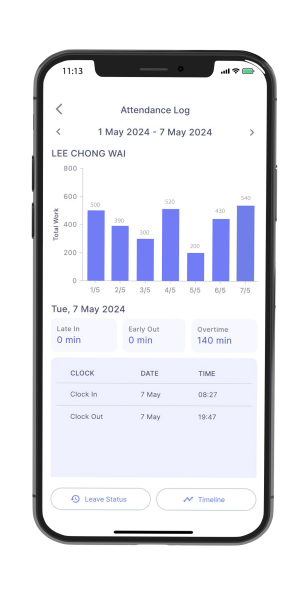
  • Track own attendance, overtime pay rate
  • Multiple work schedule
  • Flexible Overtime Policy
  • Multiple shift work schedules
  • On-site clock in for travellers with site photos

Manager

  • Overview of Team Attendance
  • Track late in, early out, absent, and out of office
  • Set up flexi lunch hour and Flexi allowances
  • Customizable overtime rules (by clock time / by tier rate)
  • Receive notification for employees leaving workplace during working hours

How SQL E Time Attendance Works?

E Time Attendance

New Launching SQL E-Time Attendance App

How to Setup Work Session, OT and Calendar

E Leave

Employee
Manager

Employee

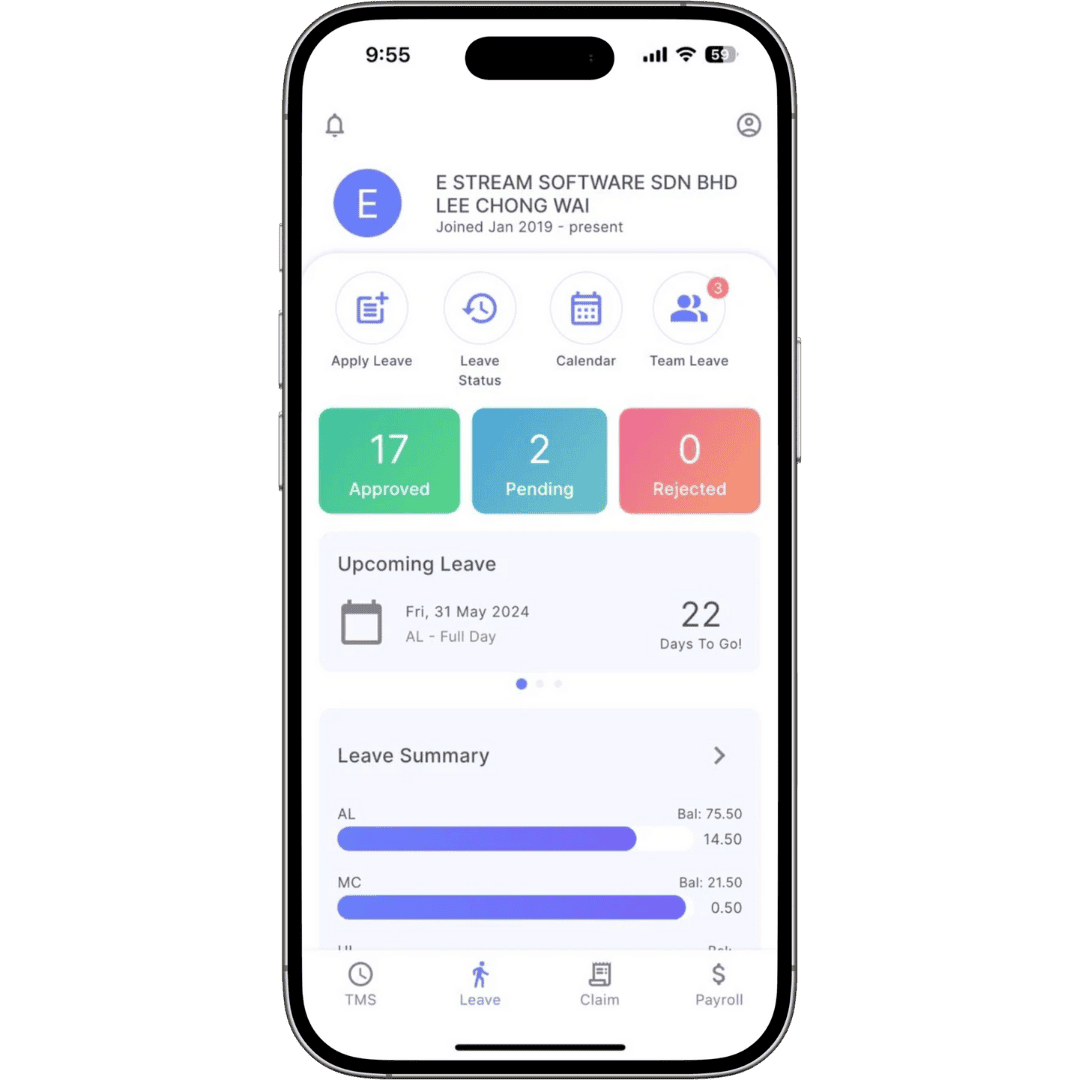
  • Easy leave apply & status checking
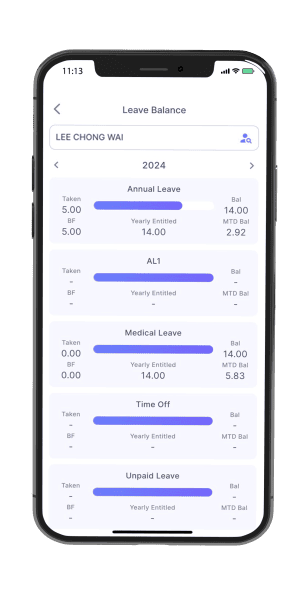
  • Leave entitled & leave balance
  • Unlimited years salary records
  • Detailed payslip info
  • Multiple years EA forms

Manager

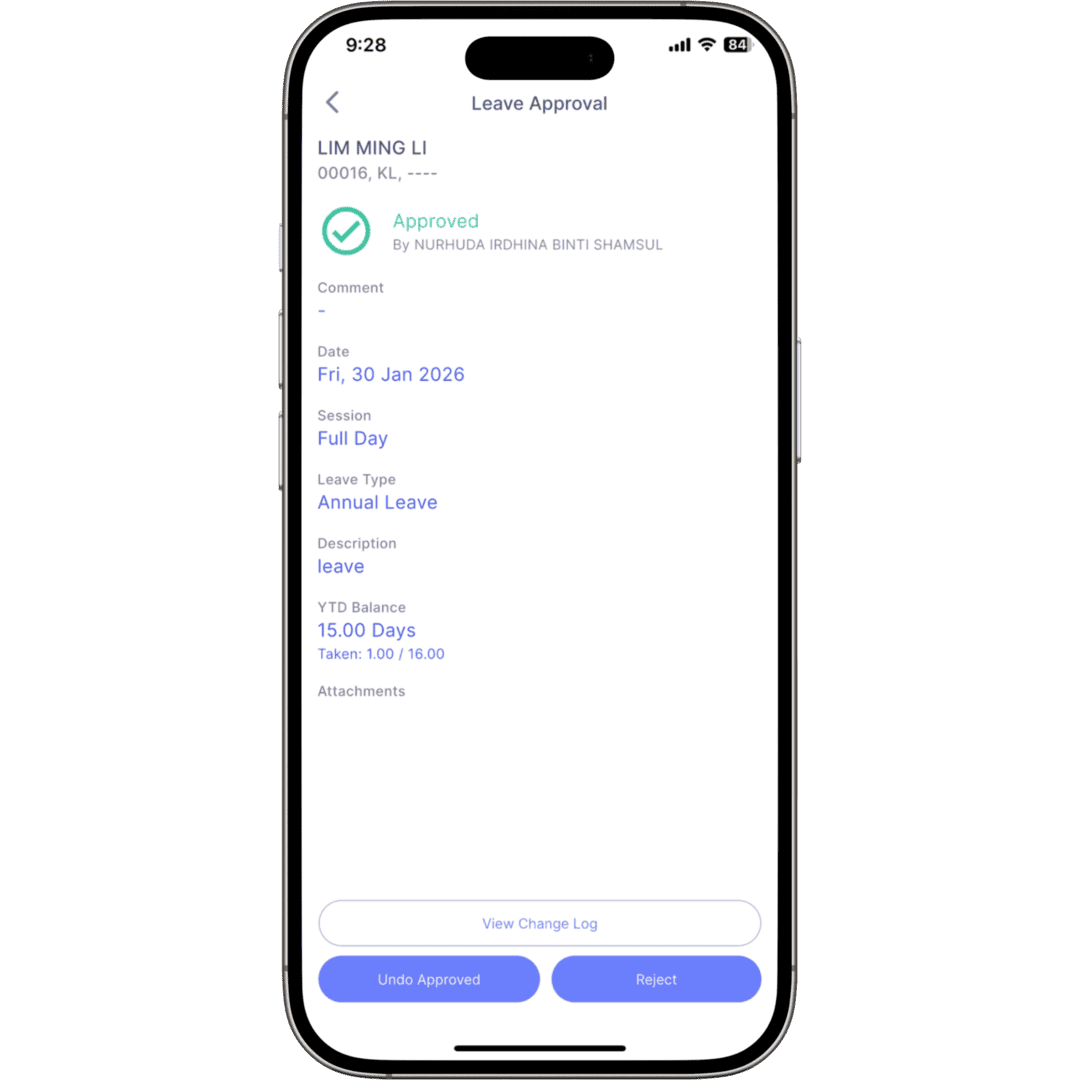
  • Approval & Notification
  • Daily employees leave summary
  • Apply leave on-behalf
  • View all leave application at one glance in calendar mode
  • Leave application status

Leave Approval Assigned By Managers

Assign the range of responsibility for each manager to only approve leaves for employees of a certain branch or department. For example, the manager for the finance department can only view and approve leaves made by the employees under that department.  

How SQL E Leave Works?

E Leave
E Leave - Employee
E Leave - Manager
E Leave

E Leave

E Leave - Employee

How to Apply Leave

How to Apply Time Leave

How to Check Leave Balance & Leave Status

How to Check Your Salary Info

How To Earn Replacement Leave

E Leave - Manager

How to Do Leave Approval

E Claim

Employee
Manager

Employee

  • Easy claim submission in mobile app
  • Upload image file as proof of claim
  • View claim status progress tracking
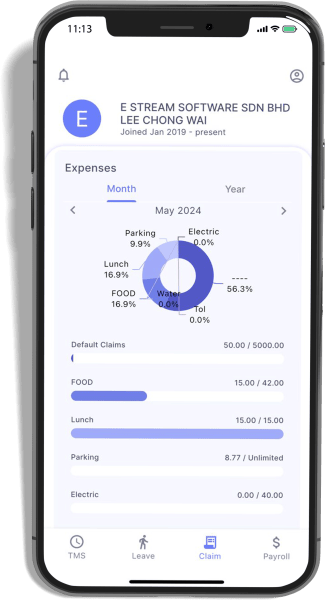
  • View catagorized monthly & annual claim history
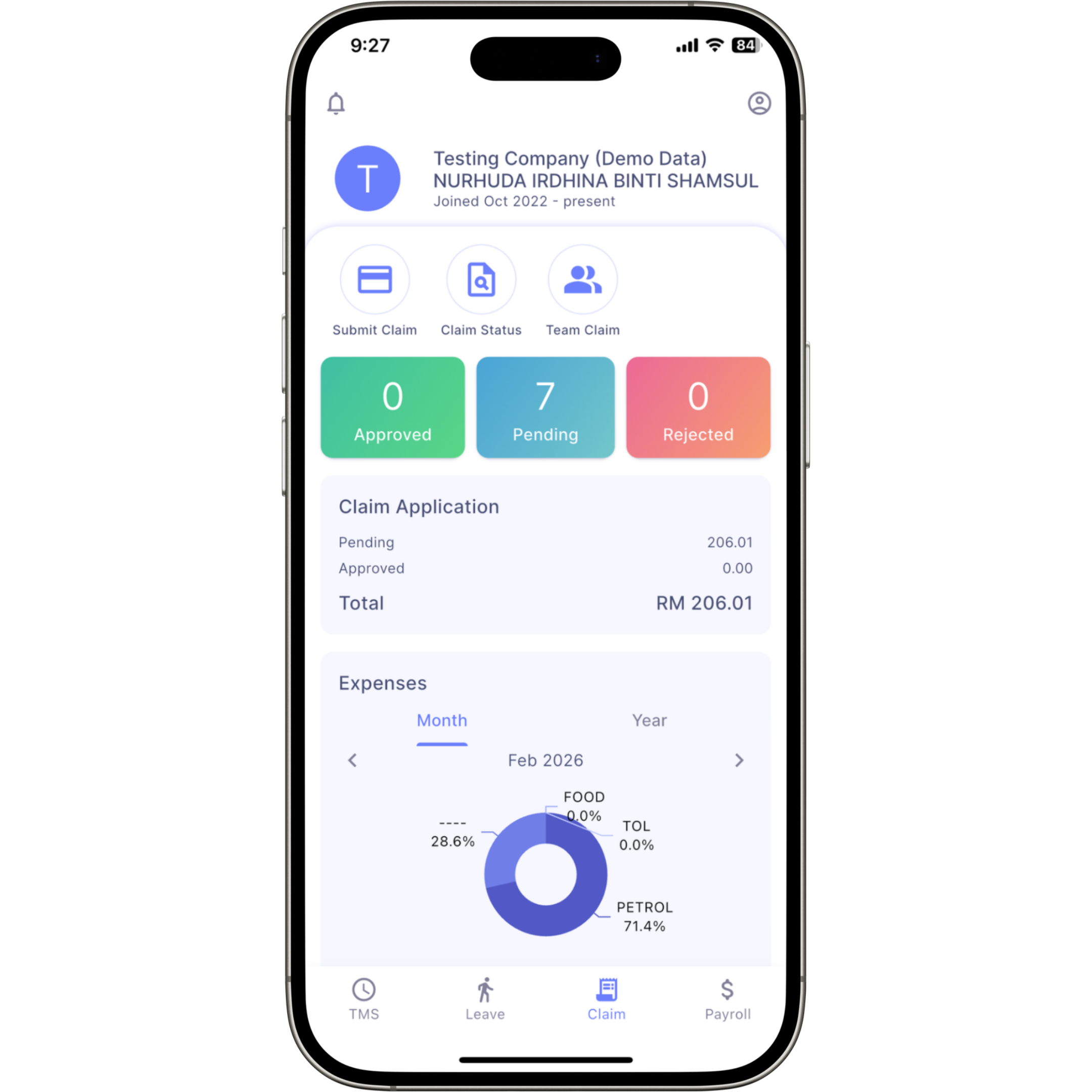
  • View summarized Pending & Approved claim applications

Manager

  • Manager approval
  • View current month claims
  • Get overlimit claims info
  • Graphical display of 6 months claim analysis by employees
  • Individually approved or bullk approve claim application

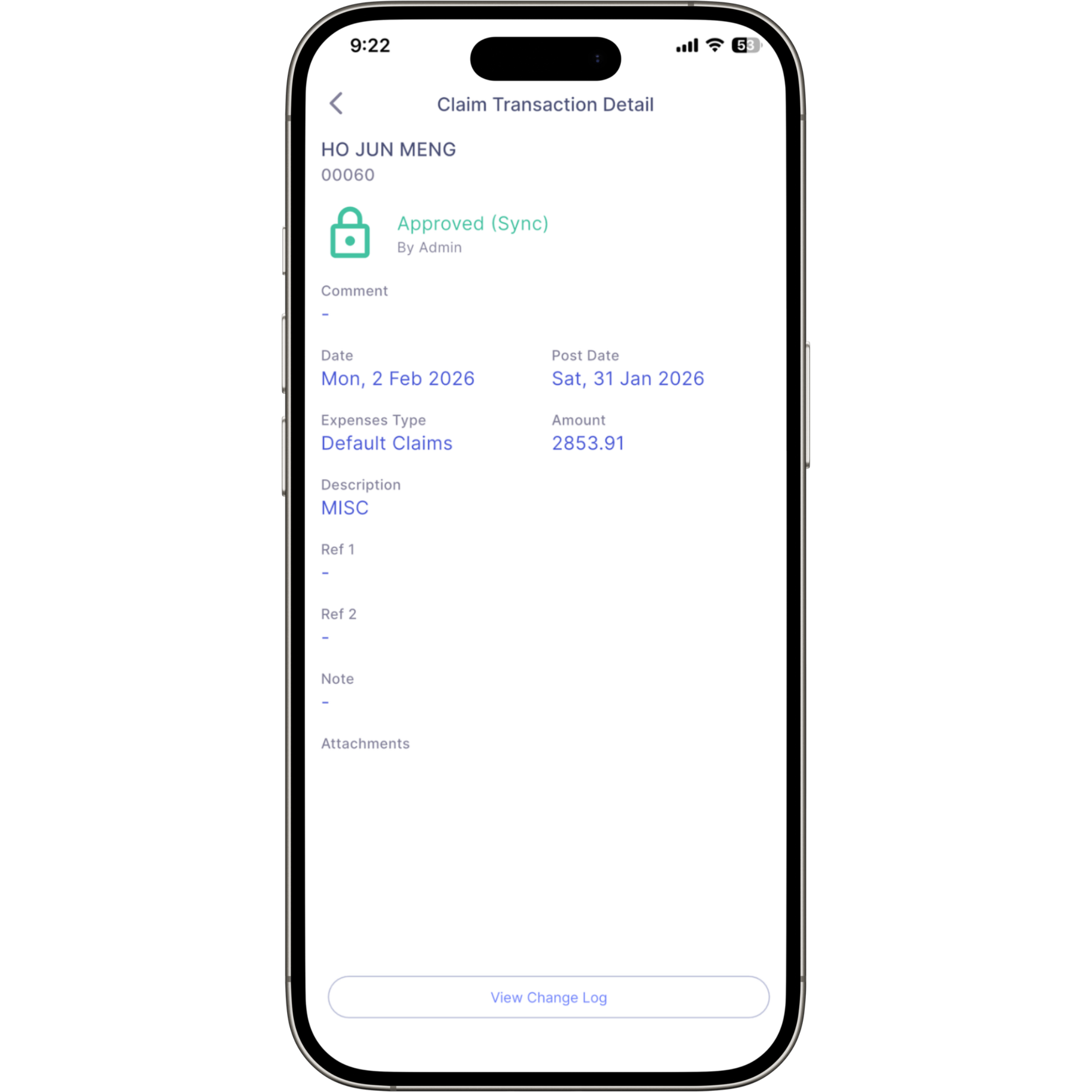
Submit and upload image for employee claims

With SQL HRMS app, your employees can submit their monthly claims along with proof of their claims at any given time. You can control the monthly and annual claim limit for the staff by configuring the claim limit in SQL Payroll. This configuration only needs to be done once. These claims will be displayed in the employee’s month end payslip.

SQL HRMS at a Glance

Free Eleave & Eclaim
until 31 July 2026

Real-time synchronization with SQL Payroll enables one-click leave sync and cross-platform approvals, automatically transferring leave, claims, and HR data into payroll with zero manual processing.

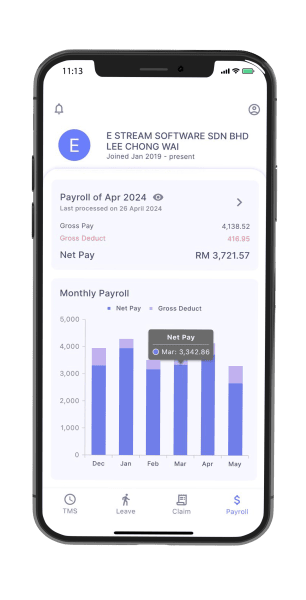
E Payroll

Payroll Dashboard

  • Real-Time Data Access
  • Enhanced Accuracy
  • Time Savings
  • Data Visualization

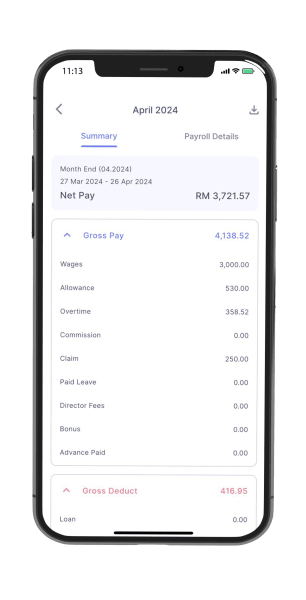
Payroll Summary

  • Financial Overview
  • Compliance and Reporting
  • Error Detection and Correction
  • Tax Preparation
  • Performance Analysis

How SQL E Claims / HRMS App Works?

SQL HRMS App
E Claim

How to Login SQL HRMS App

How To Check Claim Balance

Features of SQL E Leave / HRMS App

Easy Setup &
Configuration

Configuration & sync your HRMS app with the SQL Payroll software easily. Once that is done, just login into SQL HRMS app by using your email and start submitting your leave applications.

Apply & Approve Leaves Anytime Anywhere

You no longer need to personally submit your leave applications in the HR’s Office. If you need to take an emergency leave, login into your app and submit an application. The manager will be notified and will be able to approve the leave immediately.

Fast &
Reliable Support

Nationwide support is provided for all E Leave, E Claim and E Time Attendance users. Technical support is provided over the phone, emails, and remote access.

Learn more about SQL HRMS

SQL HRMS
Releases

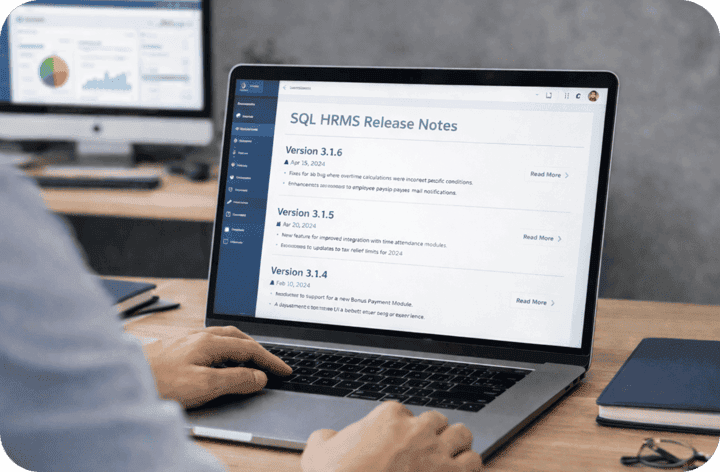
Read all current and past software build releases
View all releases

SQL E-Leave/HRMS Releases

SQL HRMS 4.1.0

Released on April 28, 2025
Release Notes
ETMS
  • Fixed issue where clock out failed if user clicked "No" on OT confirmation prompt.
EClaim
  • Fixed incorrect YTD limit warning during claim approval

SQL HRMS 4.0.1

Released on March 3, 2025
Release Notes
ETMS
  • Fixed issue where the traveler clock-in button appeared grey
  • Add back capturing current device location in ' View Work Location'
  • Fixed long detect time issue for location on iOS
ELeave
  • Fixed error when manager view team leave
EClaim
  • Claim post date now follows the current date
  • Fixed issue where the system could not detect the e-invoice QR code
Whole HRMS
  • Fixed Android black screen when open HRMS Apps

SQL HRMS 2.0.2

Released on November 25, 2024
Release Notes
ETMS
  • Fix where late in , early out records were not displayed in the summary table
  • Added the ability to claim leave for OT on rest days and public holidays
ELeave
  • Automatically posts replacement leave in "Pending Leave" when clocking out in eTMS with 'Claim As Leave' selected
  • Added Filter and Sort options for Branch and Departments
  • Fixed the missing "Approved By' field in batch approved leave email notifications
EClaim
  • Added E-Invoice Feature
  • Added Filter and Sort options for Branch and Departments
Whole Payroll
  • Fix Announcement title error

SQL HRMS 1.2.1

Released on October 7, 2024
Release Notes
ELeave:
  • Include the same leave type in the approval screen when the MTD limit is exceeded.
  Whole Payroll:
  • Fix Null Checker error when viewing Monthly Total Paysheet in Monthly Payroll
  • Fix Check App Version will throw exception if no Internet Connection
  • Fix error when click on Activity Center and Side Drawer in Main Dashboard if UserInfo is null

SQL HRMS 1.2.0

Released on September 25, 2024
Release Notes
  • Add Announcement feature
ELeave
  • Managers are allowed to transfer leave to other leave types when the MTD limit is exceeded
  • Add Branch and Department code in leave application
EClaim
  • Solved haven't exceed claim limit but manager cannot approve
Payroll
  • Include Gratuity , Loss On Compensation in payroll info
Whole Payroll
  • Solved when click activity center error

SQL HRMS 1.1.0

Released on August 8, 2024
Release Notes
ETMS
  • Non-eTMS users able see the TMS screen
ELeave
  • Managers are allowed to transfer leave to other leave types when the YTD limit is exceeded
  • Resolved issue where the YTD amount did not include BF days when a manager approved leave
  • The leave summary follows the post date to calculate the taken days
  • Inactive leave types are excluded when applying for leave
  • Resolved issue where replacement leave did not add to the leave days in YTD
EClaim
  • Review Managers cannot take action on claims
  • Inactive claims are excluded from expense types when submitting a claim
Whole Payroll
  • Resolved an issue where HRMS apps still showed a notification even when there were no unread notifications in iOS
  • Resolved an issue that caused the apps to hang after opening HRMS

SQL HRMS 1.0.5

Released on July 3, 2024
Release Notes
The App Name has been renamed to SQL HRMS.

ETMS
  • Include attachment in Timeline.
Eleave
  • When a manager approves leave, the YTD amount does not include BF days.
Whole Payroll
  • Remove the year in the D.O.B field in Personal Information.

SQL HRMS 1.0.4

Released on June 21, 2024
Release Notes
ETMS
  • Attendance log now shows the specific times when a manager clocks on behalf
  • Attendance log can check detailed logs including attachments and times
Eleave
  • New formula for MTD Limit
  • Managers in the same branch and department, but with different department authorities, can see in the team calendar but not in team leave
  • Fixed issue where TAKEN DAY showed the wrong amount
  • Fixed Replacement Leave not updating in leave summary
  • Resolved issue where pending leave left 1 day, but manager approval showed over YTD limit
  • Leave email includes [First half / second half] information
  • Fixed issue where manager received staff leave application emails with empty descriptions
  • Fixed issue where leave entitlement of 0 days still allowed leave application
Payroll
  • Fixed issue where after unticking 'Included Payroll Info' and sync cloud, the app still displayed the amount
Whole Payroll
  • Inactive employees are now excluded from Team List, Birthday Calendar, and clock on behalf
  • Fixed issue for iOS users where turning off camera permissions and returning to the HRMS app did not prompt a message to turn the camera back on
  • Team list include Manager Authority department staff list
  • Fixed issue where removing an email from the payroll system and syncing with the cloud resulted in the HRMS app displaying a grey screen instead of returning to the company name list
  • Added a search row in the Activity Center
  • Team list follow Employee Name Alphabet

Download Now

Start using SQL HRMS App to simplify and speed up the leave application for your company. SQL HRMS App is made for every business. It is user-friendly and efficient.

Experience The Convenience At Your Fingertips. Download SQL HRMS Now

STEP 1: Scan QR Code to pay

SQL

STEP 2: Click here to email payment info